

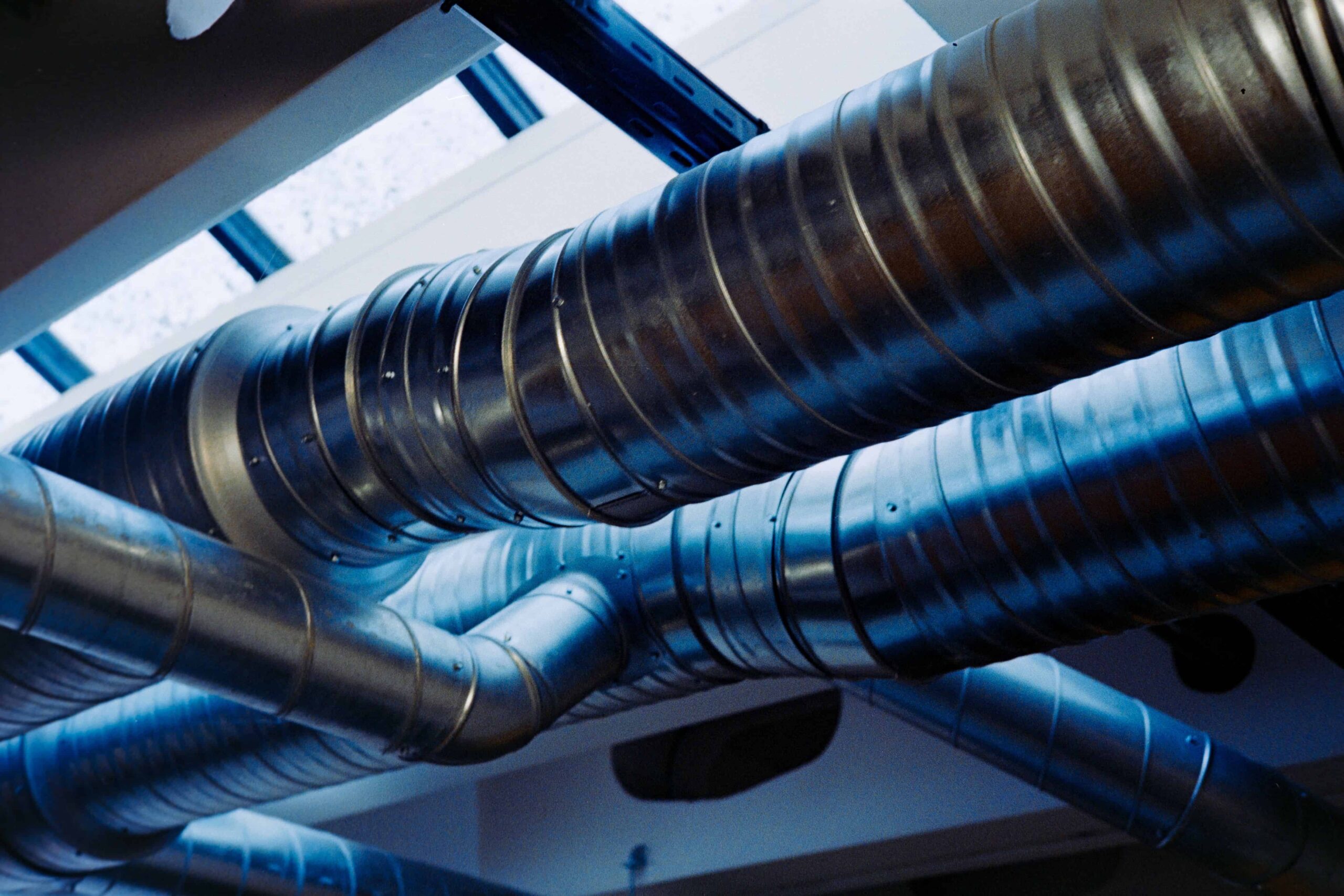
Start with the model number on each device, then use the matching manual before changing its settings. Honeywell ventilation and Rheem heating manuals cover equipment that performs different jobs: ventilation equipment manages outdoor air, a thermostat directs space-conditioning equipment, and a water heater supplies hot water for taps and appliances.
Search using the complete identifier, including any letters after the main number. Match the equipment type and model coverage to the device label, and check the document number and revision where available. If a pictured control does not match the one installed, stop before applying its instructions.
How Honeywell ventilation and Rheem heating manuals guide seasonal changes
A house can feel stuffy, cold, or short of hot water for entirely different reasons. Treating every comfort problem as a thermostat problem is a common mistake.
A dedicated ventilation system brings in outdoor air or controls equipment that does. A thermostat primarily tells heating or cooling equipment when to operate; its fan setting may circulate indoor air without bringing in fresh air. A domestic water heater supplies fixtures such as showers and sinks, while a furnace or other space-heating appliance warms rooms.
Those systems can be connected, but their manuals are not interchangeable. A ventilation controller might use the same blower as a heating system, for example, while still having separate instructions for outdoor-air delivery.
The honeywell manuals hub provides a starting point for finding a ventilation control or thermostat by model number.
No exact match? Check the manufacturer’s documentation or ask its support team for the applicable manual, supplying the identifier and any revision information from the label. Third-party collections are useful for finding documents, but the manufacturer’s current documentation is the better reference when the revision is uncertain or instructions conflict.
Use the Honeywell Y8150 manual to check ventilation settings
Identify the system and switch positions
The Honeywell Y8150 is a fresh-air ventilation system. Its control coordinates the supply of outdoor air with the home’s air-handling equipment; it is not simply a thermostat fan setting. The linked honeywell whole house ventilation control user manual is the starting point for equipment identified as Y8150.
A ventilation system can include a control, ductwork, a damper and a fan or air handler. The system designation and the number printed on an individual component are not necessarily the same. The Y8150 system uses a W8150 ventilation control, so a W8150 marking on the control alone is not a complete identification of every part of the installation.
Look only at labels visible from an ordinary access area. Photograph the control’s face, its readable model and revision markings, and any visible system label, without removing covers or reaching into ductwork. Installation paperwork may identify the package and its components together. A renter who cannot see a label safely should ask the landlord or building manager for those records rather than access enclosed equipment.
In the manual, find the W8150 control illustration showing the three-position switch and its operating instructions. The positions are On, Override and Off (Remote Only). On is normal operation, in which ventilation follows the control’s programmed operation. Override calls for continuous ventilation. Off (Remote Only) stops normal automatic operation at the control, but a remote control can still request ventilation. It is not a complete shutdown of every possible ventilation request.
The installer’s setup uses inputs including the home’s floor area, number of bedrooms and ventilation airflow. The control uses those inputs to determine the ventilation operating time; that resulting runtime is not the same as a separate seasonal comfort setting. Leave the installation inputs alone if you are checking ordinary operation.
Test operation and understand its limits
To check the control, first record its switch position and any visible indication. Select Override and look for the ventilation indication and a response from the connected equipment, as described in the operating instructions. Return the switch to its original position afterward. If there is no indication or response, record what you observed and consult the manual or arrange service rather than opening the equipment.
On does not mean continuous operation. The resulting operating time can be expressed in minutes per hour, so a single glance at an inactive indication cannot establish whether the system is meeting its calculated runtime. An occupant can observe the switch, indication and audible equipment response, but those checks do not measure outdoor airflow. A running blower is not proof that the outdoor-air damper is open.
Do not reduce ventilation merely because a room feels cool near a supply grille. The system’s setup may have been chosen for the home and its equipment. Airflow requires measurement. For persistent drafts, a ventilation contractor can assess airflow and the outdoor-air intake instead of guessing at settings.
Match Honeywell thermostat settings to the season and system
A thermostat manual explains the controls for the equipment it operates. A model may provide heating and cooling modes, a fan control, a temporary temperature hold or a programmed schedule. A simpler thermostat may offer far fewer choices.
Look first for a model number on the visible face or edge of the thermostat, then check an accessible device-information menu if it has one. Installation records may also identify it. If those steps do not help, ask the landlord, installer or manufacturer. Do not pull a wall-mounted control apart by force.
As the season changes, select Cool or Heat if the thermostat and system support the chosen mode. Look at the programmed schedule, any active hold and the fan setting. A temporary hold or programmed schedule can explain why the displayed target changes when nobody has touched the device.
Some thermostats offer system-mode Auto changeover, which switches between heating and cooling according to their settings. Use it only if the installed model and system support it, and follow that manual’s instructions for any required separation between the two setpoints. Fan Auto is different: it generally runs the fan when the equipment calls for it. Neither thermostat label alone establishes whether outdoor-air ventilation is operating, and neither is the W8150’s ventilation setting.
When adjusting the target temperature, watch for the display to register the new setting and for the equipment to respond. Consult the thermostat manual for any documented compressor-protection delay or recovery behavior before deciding that a delayed start is a fault. A larger setpoint change does not increase the output of a basic single-stage system. Some staged systems or heat-pump controls can respond differently, including by calling for an additional stage or auxiliary heat.
Fan settings deserve a separate look. Continuous fan operation can circulate air between heating or cooling cycles, but it does not necessarily start a dedicated fresh-air system. It may also make occupants notice cool air moving through rooms when no heating is taking place.
Mode, schedule and hold controls are ordinary owner adjustments. Leave installer settings such as equipment type, staging and auxiliary-heat configuration alone unless the instructions specifically identify them as owner tasks.
Find the right Rheem manual for heating and hot water
Rheem makes space-heating equipment as well as water heaters. The instructions for a furnace do not explain how to operate a storage water heater, and a tankless water heater can have different controls and fault information from a tank model.
Use the equipment data plate to identify the appliance. It is generally attached to the unit, but its exact location varies. Record the full model number, serial number and fuel or power information visible on the plate. Do not remove an access cover to find it; an installer or property manager can help if the label is hidden.
Search the rheem manuals collection using the complete model number. Pay particular attention to the appliance category, fuel type and model suffix: a close match is not enough when instructions differ between gas, electric or other versions.
The appropriate document should help distinguish owner-accessible controls from service procedures. It can explain the appliance’s operating indications, fault messages and owner maintenance. A furnace manual is useful for space-heating symptoms; the water-heater document is the one to consult for hot-water controls and indications.
Seasonal changes can affect hot-water performance without a change to the heater’s controls. Colder incoming water can reduce the hot-water flow a tankless unit can deliver at a given temperature, or increase the demand on a storage heater as it reheats water. The effect depends on the appliance and how much hot water the household uses. Check the model’s instructions before treating a change in performance as a fault.
Hot-water temperature involves more than comfort. Water that is too hot can cause scald injuries. Excessively low storage temperatures can also create microbial risks, depending on the appliance and applicable public-health guidance.
Storage temperature and delivery temperature are distinct: mixing equipment can temper water before it reaches a fixture without setting the stored water to the same temperature. Follow the model instructions and applicable local guidance rather than adopting a universal setting. A qualified plumber can advise on temperature controls and any mixing equipment, particularly where children, older adults or other vulnerable occupants use the hot water.
Check ventilation, thermostats, and hot water as seasons change
Keep the review to user-accessible controls and visual checks.
| Equipment | Seasonal reminder | Manual to consult | Escalation trigger |
| Ventilation control | Observe operation over the expected cycle; note persistent drafts or unusual noise. | The control or system manual matching the complete model | Repeated fault indication, suspected blocked intake, persistent noise or uncertainty about the installed setup |
| Thermostat and space heating or cooling | Choose an available mode for the season. | The thermostat manual and, where relevant, the heating or cooling appliance manual | No response after ordinary settings and documented delays are checked, recurring fault message or suspected electrical problem |
| Water heater | Note changes in available hot water, temperature consistency or visible leakage around the appliance. | The manual for the exact Rheem water-heater model and fuel type | Any leak, recurring fault indication, unusually hot water or continued loss of hot water |
During wildfire smoke or another local air-quality event, follow public-health guidance alongside the equipment instructions; the appropriate response depends on the system and the conditions. Outdoor-air ventilation and combustion air are different functions, so do not assume a ventilation control determines the combustion-air requirements of an appliance.
Keep the manuals, model numbers and a photograph of current user settings together. For a rental, give the property manager the information and obtain permission before making changes beyond ordinary thermostat operation.
Troubleshoot common symptoms before calling a technician
A ventilation system that appears inactive may simply be between operating periods. Compare what you see with the manual’s description of normal operation. If the system still does not appear to run when the documented conditions call for it, record the observation and arrange service rather than opening a damper or electrical enclosure.
If a thermostat does not respond as expected, look for the requested temperature and any message explained in the manual. A documented compressor-protection delay may account for a delayed cooling start.
If the screen is blank, check whether the model uses owner-replaceable batteries and follow its instructions for replacement. Not every thermostat has them. If the screen remains blank or an error returns after the documented owner steps, report the model and message to a qualified technician.
Insufficient hot water can have several causes, including demand exceeding the available supply, an unsuitable user setting or an appliance fault, while inconsistent temperature at one fixture can involve plumbing or a mixing device rather than the heater itself. Record which taps are affected, how long the problem has been happening and any fault code on the appliance.
A code is a useful clue, not a confirmed diagnosis. Do not repeatedly reset equipment to make a warning disappear, and do not work on gas, electrical or combustion components. For persistent faults, leaks, electrical concerns or any procedure beyond the owner’s instructions, contact a qualified professional.
If you suspect a gas leak or a carbon monoxide alarm sounds, leave the area immediately. From a safe location, call 911 or the fire department for a carbon monoxide alarm; for a suspected gas leak, call 911 or the gas utility’s emergency line. Do not operate switches or attempt to investigate the equipment before leaving.