

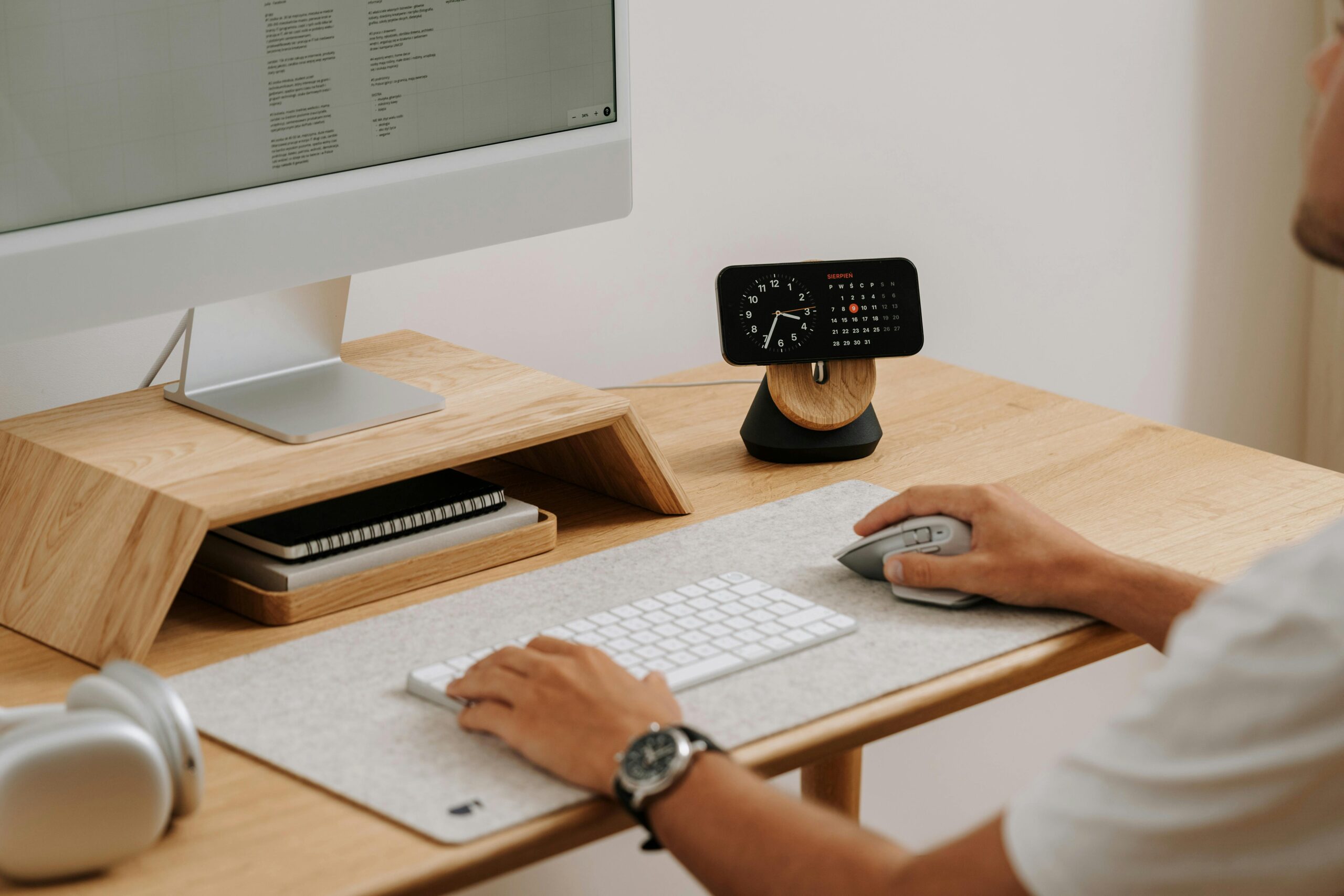
Home offices can be of diverse shapes and sizes, and the desk you choose can either make your day easier or quietly annoy you for many years. If you’re searching for the best standing desk models, two types definitely deserve your attention: the classic sit-stand desk and the corner standing desk. Both help you switch between sitting and standing, but they solve different space and workflow problems. This article will tell you how to pick the right one for your home setup, what features actually matter, and how to avoid the most common mistakes.
Why a Standing Desk Works So Well at Home
It’s a typical story, when working from home converts into doing lots of things unusual for your home environment. Here it comes to constant emails, calls, plans, studying, or maybe even game or video editing. So the list is limitless here, as activities depend naturally on your actual job requirements. In such a way, you need absolute convenience and a high level of concentration.
A standing desk gives you the option to change posture during the day, which can help with stiffness and that sleepy mid-afternoon slump. The goal isn’t to stand all day but to move more without turning your workday into a workout.
Option 1: Standard standing desks
A typical sit-stand desk is usually a rectangular top on an adjustable frame. It’s the easiest to fit into most rooms, and it works for almost any home office style.
It serves Best for:
- Smaller rooms or simple layouts
- One monitor setup (or two if the desk is wide enough)
- People who like a clean, minimal workspace
- Anyone who might move apartments and needs a desk that’s easy to relocate
What to look for in a standard standing desk
Size that matches your real life. Before you buy, measure your space and think about what you will put on the desk. If you use a laptop only, you can go narrower. If you want two monitors, speakers, a notebook, and a lamp, you’ll want more width and depth.
Stable frame. Wobble is one of the biggest mood killers. A desk that shakes when you type or lean on it will make you use it less. Heavier frames, wider feet, and solid construction usually feel better in daily use.
Smooth adjustment. Whether it’s electric or manual, the height change should be easy enough that you’ll actually do it. If it’s noisy, slow, or annoying, you’ll leave it in one position and forget the whole point.
Memory presets (if electric). This is one of those features that sounds fancy but quickly becomes practical. One button for sitting, one for standing. Done.
Cable plan. Standing desks make messy cables more obvious because everything moves. Look for a setup that lets you route wires neatly, either through built-in holes, under-desk trays, or provide enough clearance to mount accessories.
If you constantly feel cramped, use lots of equipment, or want a workspace that wraps around you, you might be happier with a corner standing desk.
Option 2: Corner standing desks
Corner standing desks, often L-shaped, are designed for individuals who require more surface area without occupying the entire room. They sit in a corner, allowing you to have a large working zone while keeping walkways clear. For home offices, this can be a game-changer.
The one is best for:
- Two or three monitors
- Separate “zones” (work on one side, writing or paperwork on the other)
- People who multitask a lot: calls, notes, design, editing, gaming
- Anyone who wants maximum desk space but still wants the room to feel open
Why corner standing desks feel different
A corner desk gives you a natural command center vibe. You can keep your main screen in front of you, set a secondary screen to the side, and still have room for notebooks, devices, or a printer. If you’re someone who likes having things within reach, the L-shape just makes sense.
But there’s one catch: a corner standing desk needs to lift evenly and stay steady at standing height. Because it’s bigger, stability matters even more than with a standard desk.
What to look for in a corner standing desk
Shape that matches your room. Some corner desks have equal-length sides. Others have a longer “main” side and a shorter return. Think about where the door is, where the window is, and where you’ll sit most of the time. You don’t want the desk forcing you to face a wall if you hate that feeling.
Strong lifting system. Corner standing desks often require a sturdier base because of the wider top. Pay attention to how the desk supports weight across the full surface. If you plan to load it up with monitors and gear, don’t treat this like a lightweight purchase.
Surface depth in the corner. The inner corner can be awkward if it’s too shallow. Ideally, you should be able to place a monitor in the corner area without it feeling like it’s falling off the edge.
Clear legroom. With L-shaped desks, support legs can end up right where you want your chair to slide. Look at the layout underneath. You want space to move, stretch, and change position.
Cable management for two zones. A corner desk often means more devices and more cords. Plan for power on both sides, and consider where your surge protector will live so cables don’t hang or pull when the desk moves.
Who should skip a corner desk?
If you move often, have a very tight room, or prefer a simple setup you can rearrange easily, a standard standing desk might be the smarter choice. Corner desks are amazing, but they’re not always easy to shift around.
Key Features That Matter for Both Types
No matter which desk shape you choose, the basics are the same.
Height range that fits you. The desk should go low enough for comfortable seated work and high enough for relaxed standing. Your shoulders should feel neutral, not raised. When typing, your elbows should sit at around a right angle.
Weight capacity that fits your setup. Think about your actual desk load: monitors, arms, laptop, speakers, books, and maybe a heavy desktop computer. Give yourself some extra margin so the desk isn’t working at its limit.
Comfortable surface finish. You’ll touch this desk every day. Sharp edges, slippery finishes, or surfaces that show every fingerprint can get annoying fast.
Easy assembly and adjustments. The most “perfect” desk becomes less perfect if it’s a nightmare to set up. Also, check whether you can add accessories later – keyboard tray, monitor arms, drawers, or under-desk mounts.
Choosing between standard vs corner: a quick way to decide
Pick a standard standing desk if you want:
- Simple setup, easy fit, clean look
- Less furniture in the room
- A focused, minimal workspace
Pick a corner standing desk if you want:
- A bigger workspace without crowding the room
- Multiple monitors or multiple tasks happening at once
- A desk that feels like a full work station
A standing desk is most useful when you actually use the height change. Start simple: stand for a few calls, then sit for focused work, then stand again when you feel stiff. If you’re consistent, it becomes natural, like refilling your water.